
Visitor counters: what the number can and cannot prove
A visitor counter shows how many people are on a site, or have visited it, at a given moment. The number can come from your own server logs, from a third-party analytics script, or from a fixed figure someone typed into a widget, and those three sources produce very different numbers. Before you display one, decide which of the three you are comfortable defending.
Key takeaway: display a number you can explain: concurrent visitors from a first-party or analytics source, refreshed every few seconds, with a clear label. Invented numbers are easy to spot, and buyers now read fabricated social proof as a reason to leave.
The short answer
- Useful for: shops and marketplaces where activity is the argument ("look how many people are comparing this right now"), and media sites showing live interest in an event.
- Useless for: services with a long decision cycle, where a number on the page does not change what the buyer does next.
- Dangerous when: the number is fixed, rounded up, or generated by a script that nobody on the team can explain. That is not social proof, it is a claim about reality that a visitor can test.
Three sources of the same number
Two counters on two sites can show numbers a factor of five apart and both be technically correct, because they measure different things.
| Source | What it counts | Strength | Weakness |
|---|---|---|---|
| Server or CDN logs | Requests that reached your origin | First-party, no extra script, no consent needed for this use in most setups | Counts bots and prefetches, and one visitor can produce many requests |
| Third-party analytics script | Sessions or unique visitors identified by cookie or fingerprint | Closer to what a marketing team calls a visitor | Blocked by ad blockers, needs a consent decision, and adds weight to the page |
| Fixed or generated number | Whatever the campaign needed | None that survives scrutiny | Indefensible, and increasingly recognised as a dark pattern |
The honest middle ground is a first-party or analytics-derived count of concurrent sessions, refreshed on a short interval, labelled as what it is: "12 people browsing this collection now".
Why two counters disagree
The gap comes from definitions, not from bugs. A server counts every request, including the ones from crawlers and from visitors who closed the tab before the page finished loading. An analytics script counts a session once per stored identifier, so the same person on a phone and a laptop is two visitors. A widget refreshing every few seconds shows a moving number, so any single screenshot can be argued about.
Write down the definition before you publish the number: what a visitor is, over what period, and how often the figure refreshes. If the definition is not worth writing in the caption, the number is not worth showing.
What a real number can do for conversion
Used honestly, an activity counter answers one question a hesitant buyer has: am I the only one considering this? On a collection page during a sale, a live count of people browsing the same collection answers it directly. On a pricing page, the same widget is noise, because the buyer is not wondering about other people, they are wondering about the price.
Three conditions make it work:
- The number must move. A count that never changes is a static badge and reads as decoration.
- The label must be precise. "People viewing this collection right now" is checkable. "Trending" is not.
- The placement must not block. A small strip or badge, never a modal. For the mobile rules, see our mobile interstitial penalty guide.
The same logic applies to recent purchase notifications, which are a different widget with a different risk profile: our social proof notifications guide covers what to show, and what to never invent.
Set one up in four steps
- Choose the source. Pick concurrent sessions from an analytics or first-party endpoint. If you cannot name the source in one sentence, stop.
- Label the unit. Decide whether the widget says visitors, sessions or people viewing a collection, and use the same word everywhere, including in the caption and the FAQ.
- Set the refresh interval. A short interval (a few seconds) for live browsing counts; a longer one for daily totals. A live label on a number refreshed every hour is a lie by omission.
- Add a floor rule. Below a threshold, hide the widget instead of showing "1 visitor". A near-empty counter argues against the page it sits on.
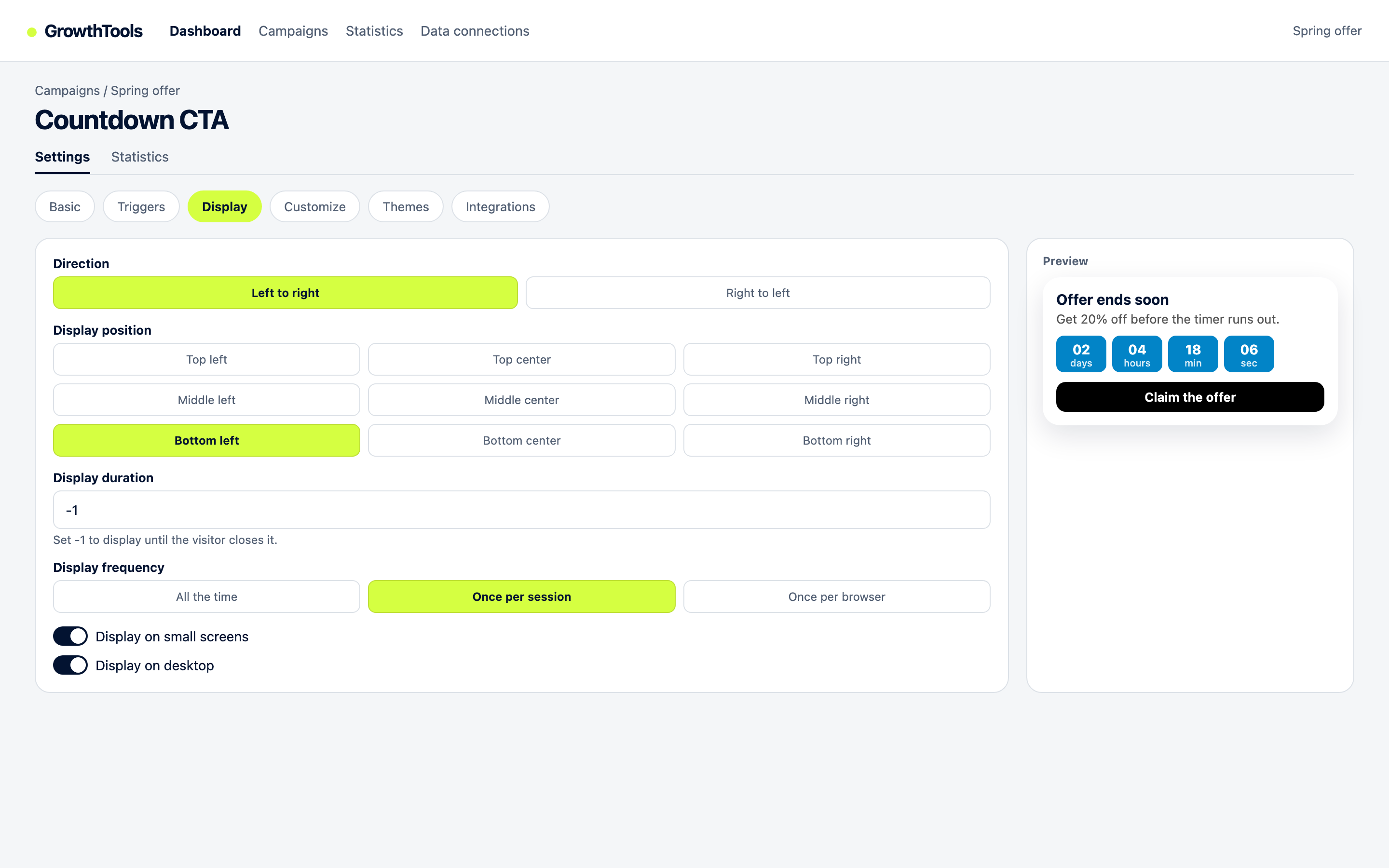
In GrowthTools the live visitor counter widget and the recent conversions counter share the same display settings, so you can compare both placement and wording without rebuilding the page.
What to measure
Do not judge a counter by clicks, because visitors rarely click it. Judge it by the metric it is supposed to move: add-to-cart rate on the pages where it appears, or time on page for editorial placements. Run two comparable weeks, one with the widget and one without. If the metric does not move, remove the widget: a counter that does nothing is page weight and one more thing to defend.
Honest limits
Concurrent counts are estimates. Ad blockers, bfcache restores, and prefetching all distort them, and no widget can fix that. Cookie-based counting requires a consent decision in the EU, which is exactly why a first-party count is often the better trade: less precision, fewer legal questions. Finally, a visitor counter is not proof of quality. A busy page can be a busy bad page, and sophisticated buyers know it.
Show activity you can defend.
GrowthTools publishes a visitor counter with the refresh interval and label you choose, from the same script as the rest of your widgets.
Create your free accountQuestions
They are estimates. A counter fed by a first-party or analytics source approximates concurrent sessions, and it will disagree with server logs because the two count different things. Ad blockers and prefetching add error. What matters is that you can name the source, the unit and the refresh interval, and that the label matches what the number really measures.
Displaying an aggregate count is generally fine. The legal question sits in how you produce it: a cookie or fingerprint based count usually requires consent and a mention in your privacy policy, while a first-party count built on your own server logs avoids most of that. Ask your lawyer for your jurisdiction rather than trusting a blog post, including this one.
Only where activity is part of the buying argument, such as a sale on a collection page or a live event. On pricing and checkout pages they usually do nothing. Measure add-to-cart rate or time on page for the pages where the widget appears, over two comparable weeks, before you keep it.
A counter shows aggregate activity, usually concurrent or daily visitors. A sales popup shows individual events, with a product, a place and often a time. The counter carries less risk because it reveals nothing personal, while the sales popup needs real data and a clear disclosure.
Test a counter on one collection page.
Create a free account, publish the widget on a single high-traffic page, and compare add-to-cart rate over two weeks.
Create your free accountPublisher: GrowthTools by Seinsights. Product demonstrations are illustrative; results depend on your site and campaign.